The two of them,
and nobody else.
Any photo app can show you every photo of Rose. Select Rose and Lou, switch the filter to All Together, and Phossil shows you the frames they are both in and nothing else. Pick two people below and watch the collection narrow.
- and 13 more
Now add a second person.
Showing 42 photos: Rose
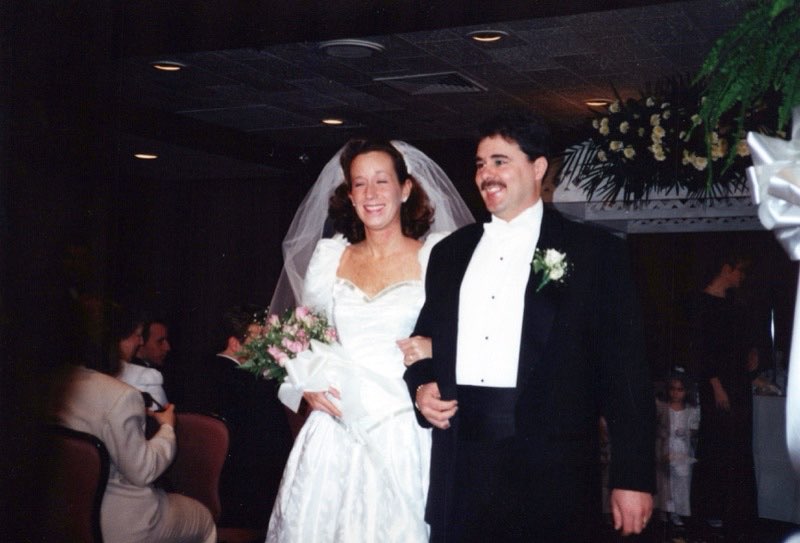
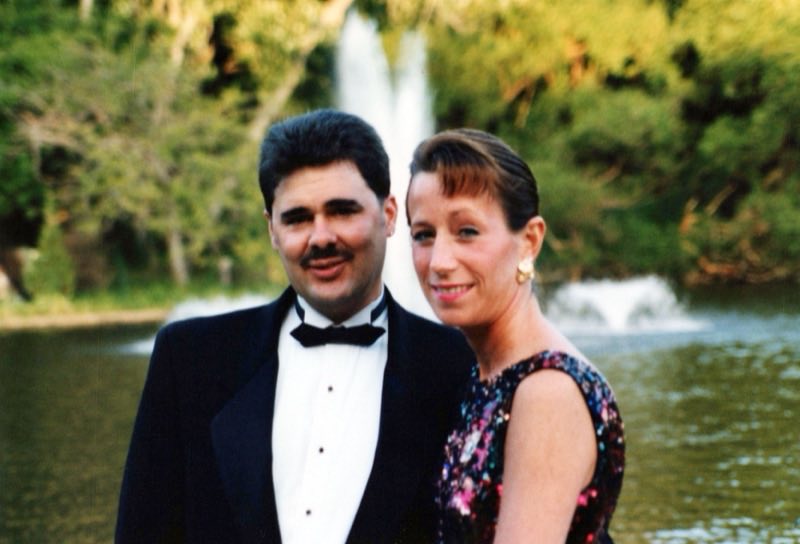
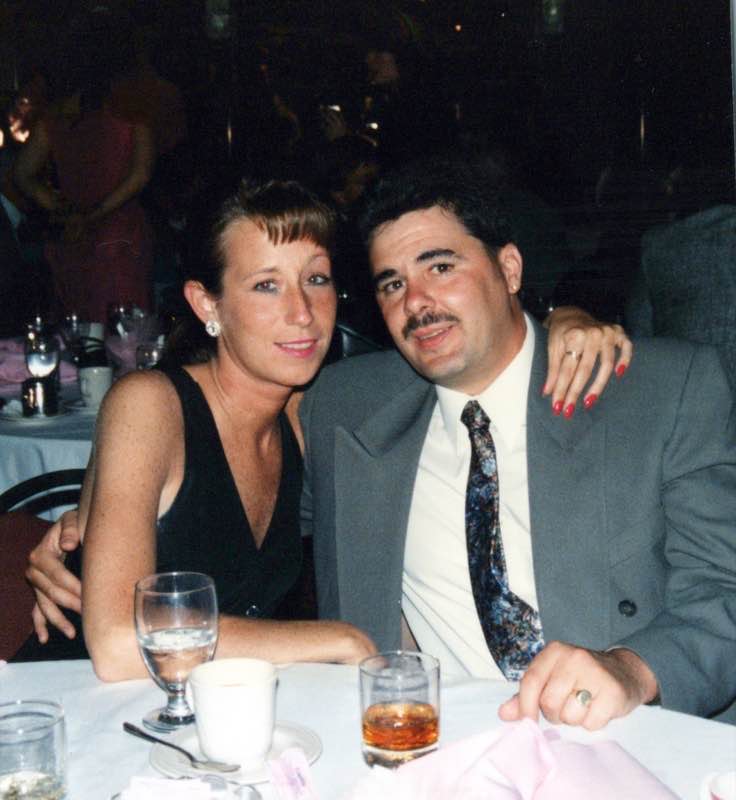
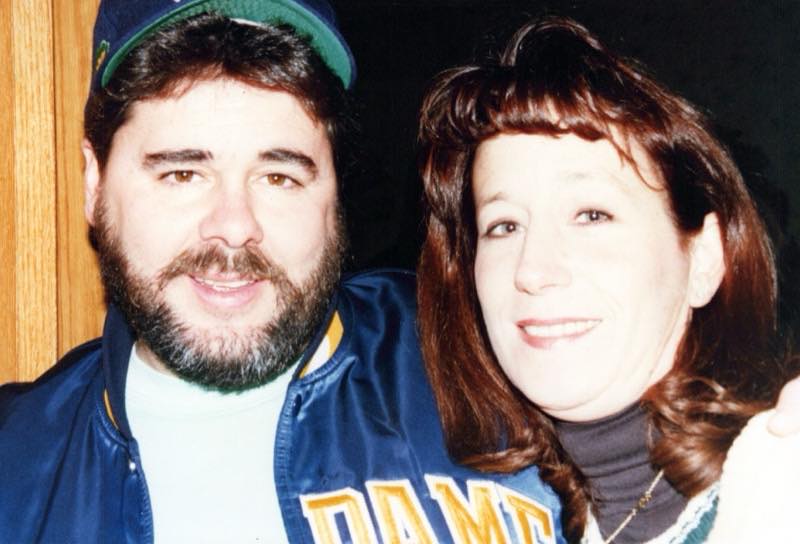
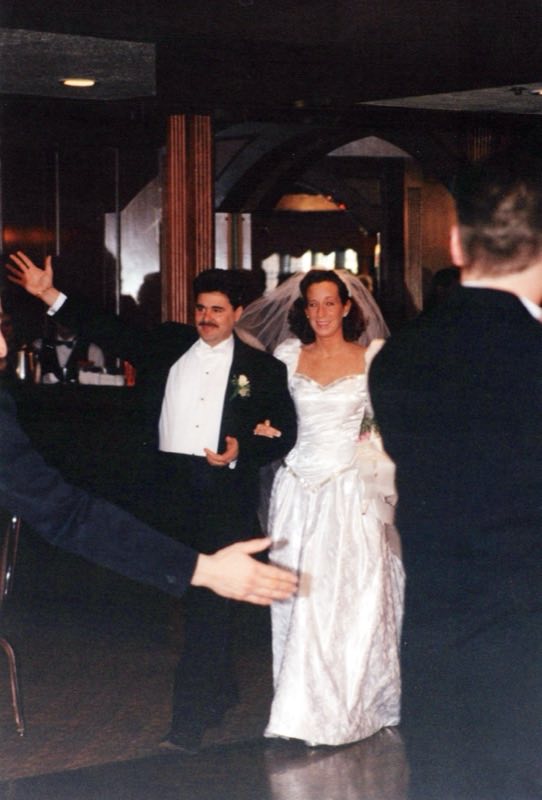
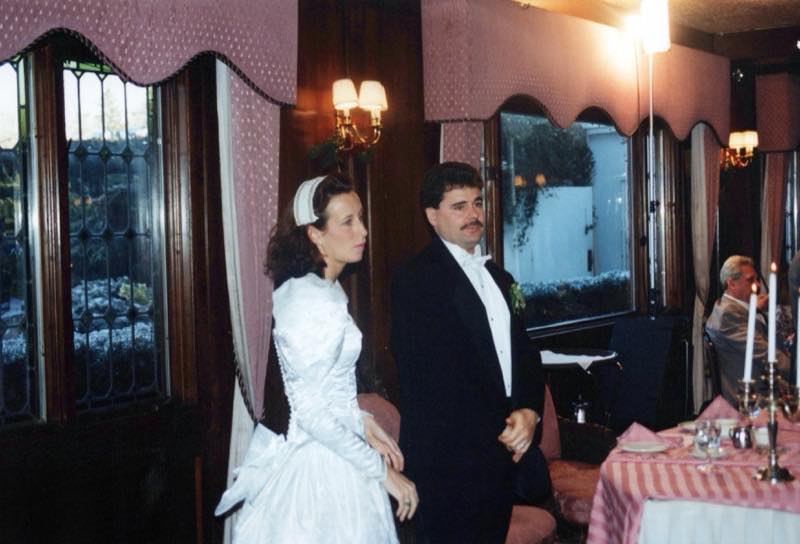
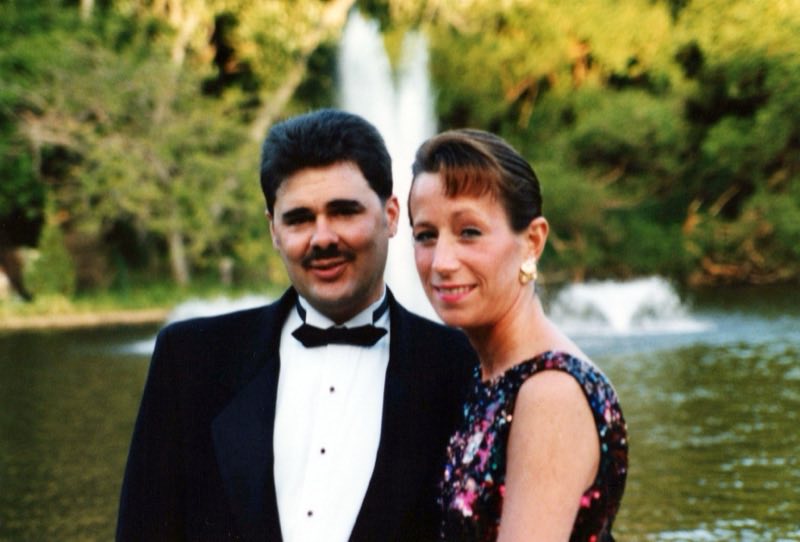
This sample carries photos for Lou and Rose. Every other count is a number with no pictures behind it.
- One chip for each person your family has named
- The number is how many photos carry that name
- Two selections reveal the Any Person control
- All Together keeps only the photos every selected person is in
What does All Together do?
Selecting two people normally widens a search. You get the photos of either one, the pile grows, and you are back to scrolling. All Together reverses it. A photo has to carry every name you selected or it drops out.
Two names, and what comes back is only the frames both people are in. Three names, only the frames all three are in. The line above the grid joins the names you picked and marks the result as together, so what you asked for is written out in front of you rather than left to be inferred from what appeared.
The selection travels with the view, so the set of photos of the two of them is a place you can go back to rather than a search you have to build again.
How is this different from searching for one person?
One name answers who was photographed. Two names answer who was photographed with whom, and that is the question families actually ask out loud. Nobody wants every photo of their grandmother and every photo of their grandfather in one heap. They want the ones with the two of them in it.
That set is almost always small. Out of hundreds of photos there might be seven, and those seven are the ones that get printed, framed, and sent around the family. The work is not finding a person. The work is finding a pair.
How does Phossil know who is in a photo?
Because your family said so. A person becomes a person to Phossil when somebody puts a name to a face, and from that point on the name is what the filter reads. Each chip carries a count: how much of the collection that one name covers, visible before you press it. Getting the prints in comes first, and the naming follows.
What will the people filter not do?
It does not know who anyone is until your family names them. A great-aunt nobody has named cannot be selected, and none of her photos come back, because as far as the filter is concerned she is not in the collection yet.
It reads the names on a photo rather than the faces in it. If the two of them are both in a frame and only one of them was named, that frame sits outside the together result until the second name goes on. Naming faces is work your family does, and every chip on the rail rests on it.
And it is a filter rather than a judgment. Two people at a party of sixty count as together in exactly the way two people alone on a porch do. Phossil can tell you they were in the same frame. What that frame meant is yours to know.
Do I keep what I paid for?
You buy a collection once. It is not a subscription, and nothing you have paid for is taken back from you later.
Downloading your photos is never gated and never charged, in full resolution, whatever the state of your account. See pricing.
Back to what Phossil does. The same names your family puts to faces are what draw the crossings in Worldlines.